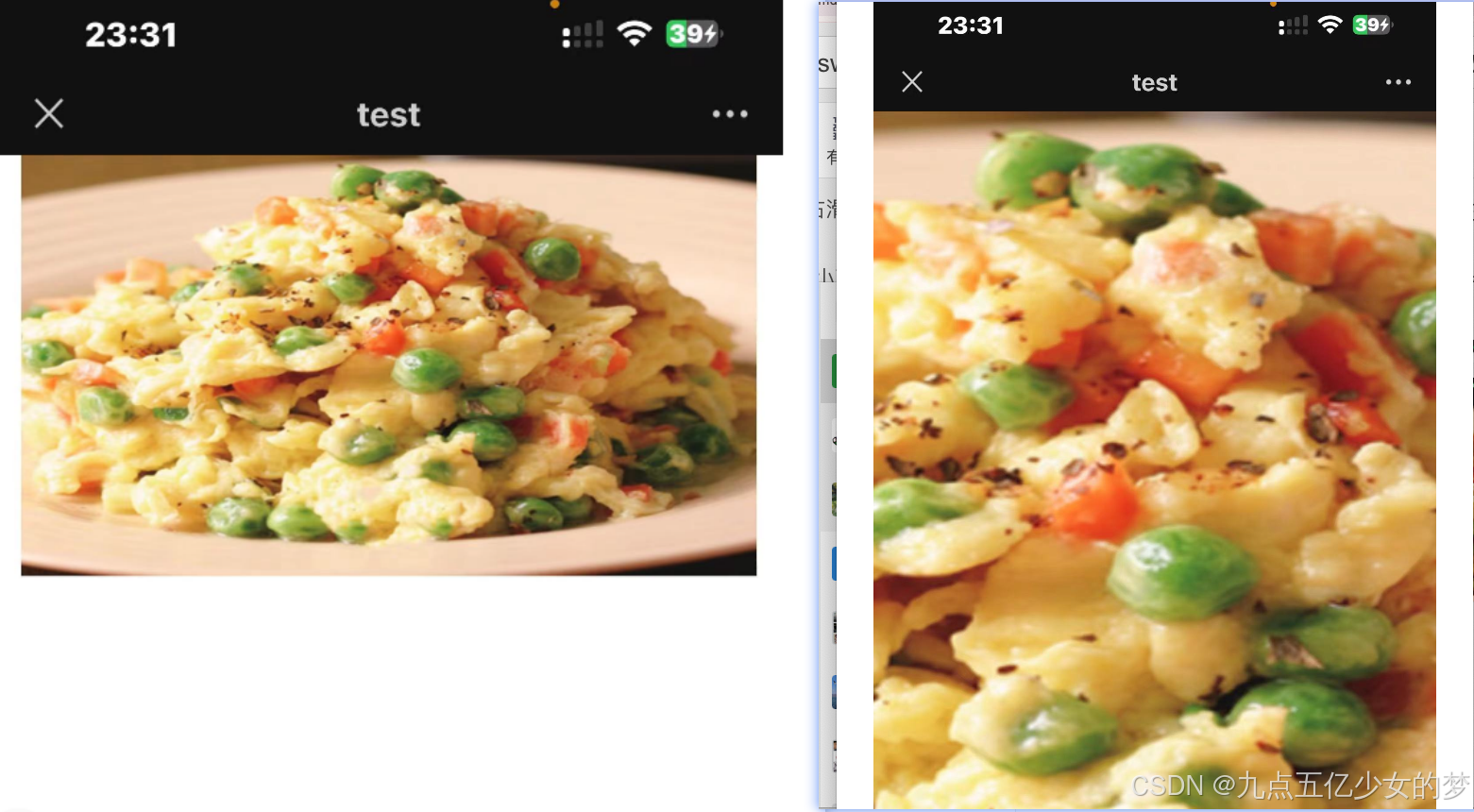
vue使用swiper插件实现左右滑动+使用插件Easyscroller实现双指放大
(多张图片左右滑动+双指放大缩小)
插件Easyscroller-----插件Easyscroller------插件Easyscroller
插件swiper-------插件swiper-------插件swiper-------插件swiper
node是v16.17.0
"easyscroller": "^1.0.1",. //
**"swiper": "^8.4.4",
"vue": "^3.2.38",**
swiper版本11的话好像有适配的问题。我就直接用版本8的了。
```javascript
<template>
<div id="scroll-container" ref="scrollContainer">
<div class="jyzbh">
<swiper ref="mySwiper" class="swiper-container mySwipers swiper2" :freeMode='true' :pagination="false"
:autoplay="false" :loop="false" @swiper="onSwiper" :preventClicks="true" @slideChange="onSlideChange">
<swiper-slide class="swiper-slide" style="width: 100%;" v-for="index in 27" :key="index">
<a style="width: 100%;">
<div style="position: relative;">
<img :src=/zbh/images/${index}.png" style="width: 100%;
margin-top: .3rem;" alt="">
</div>
</a>
</swiper-slide>
</swiper>
</div>
</div>
</template>
<script>
import { EasyScroller } from 'easyscroller'
import { Swiper, SwiperSlide } from 'swiper/vue';
import "swiper/swiper-bundle.css";
import SwiperCore, {
Navigation,
Pagination,
Scrollbar,
A11y,
Autoplay,
} from "swiper";
SwiperCore.use([Navigation, Pagination, Scrollbar, A11y, Autoplay]);
export default {
components: {
Swiper,
SwiperSlide,
},
setup() {
return {
modules: [Navigation, Pagination, Scrollbar, A11y],
};
},
data() {
return {
flag: true,
index: 1,
zoomLevel: '0',
swiper: null,
scroller: null,
scroller1: null,
isZoomed: false,
scrollingX: false,
scrollingY: false,
}
},
methods: {
initScroller() {
this.scroller = new EasyScroller(this.$refs.scrollContainer, {
scrollingX: true,
scrollingY: true,
bouncing: false,
zooming: true,
minZoom: 1,
maxZoom: 3,
zoomLevel: 1
});
console.log(this.scroller);
console.log('this.scroller', this.scroller)
},
onSwiper(swiper) {
this.swiper = swiper;
},
},
mounted() {
this.initScroller();
let flag = true;
this.$refs.scrollContainer.addEventListener('touchend', () => { // touchend
const zoomLevel = this.scroller.scroller.__zoomLevel;
if (zoomLevel === 1) {
flag = true;
this.swiper.allowTouchMove = true;
this.scroller.destroy();
this.scroller = null;
this.initScroller();
} else {
if (flag) {
flag = false;
this.swiper.allowTouchMove = false;
}
}
});
}
}
</script>
<style lang="scss" scoped>
#scroll-container {
position: relative;
overflow: hidden;
height: 100%;
width: 100%;
}
.mySwiper {
width: 100%;
height: 100vh;
}
.jyzbh {
position: relative;
width: 3.5rem;
margin: 0 auto;
}
</style>
```